Google Flow AI Tools: 6 New Creative Tools for Filmmakers, Designers & Creators
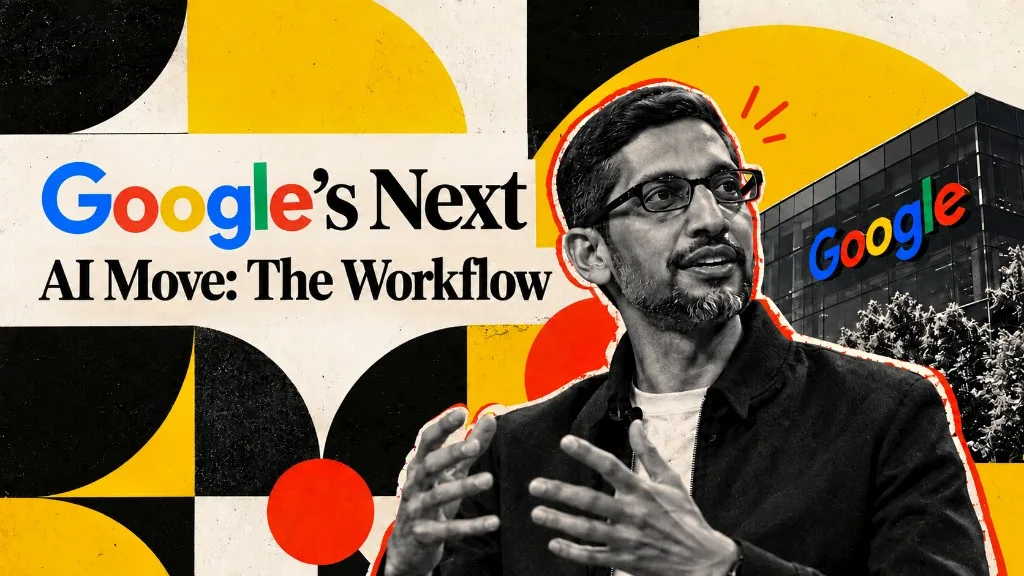
Google is moving AI filmmaking beyond generation and deeper into the creative workflow.
On September 23, 2026, Google introduced six new tools for Flow, its AI filmmaking and creative platform. What makes the update interesting is not simply the number of tools. It is the way they were built: in collaboration with working creatives across sound design, digital content, architecture, and other disciplines.
That changes the question Google is trying to answer.
Instead of asking, “What can AI generate?”, Flow is increasingly asking, “What part of a creative workflow can AI take care of?”
And that distinction matters.
For related context, see our guides on Google Veo, making AI videos, and AI creative stacks.
The problem Google is solving
AI can already generate impressive images and videos. But professional production involves far more than generation.
A filmmaker needs sound, captions, and different versions of the same scene. A social creator needs thumbnails and platform-ready assets. An architect needs realistic materials and visual variations.
These are not necessarily difficult creative problems. They are time-consuming workflow problems.
Google's latest Flow tools target exactly those gaps.
Six tools, six creative bottlenecks
1. Sound Design
Visuals are only half of a finished film.
Flow's new sound capabilities bring sound creation closer to the visual generation process, helping creators build a more complete scene instead of generating visuals and solving audio separately.
Why it matters: It moves AI filmmaking closer to producing complete sequences rather than isolated video clips.
2. Multilingual Captions
A finished video often needs to become multiple versions for different audiences.
Multilingual caption tools reduce the manual work involved in translating and adapting content, making localization part of the creative workflow rather than a separate production task.
Why it matters: One piece of content can be prepared for more markets without rebuilding the entire asset.
3. Social Thumbnails
The work does not stop when a video is exported.
Creators still need thumbnails and social assets designed to work within crowded feeds. Flow's social-focused tools bring that packaging stage into the same creative environment.
Why it matters: AI starts helping with not just content creation, but content distribution. For paid and social creative systems more broadly, see our advertisement and AI creatives pages.
4. Architectural Materials
Architecture requires more than generating attractive buildings.
Materials, surfaces, and finishes have to look believable and work within the design. Google's architecture-focused tools bring AI closer to these practical visualization tasks.
Why it matters: It demonstrates how generative AI can become useful inside specialized professional workflows.
5. Motion Graphics
Turning a static visual into something that moves convincingly requires timing, composition, and animation.
Flow's motion-focused capabilities extend AI assistance beyond creating still assets and into the movement and presentation of those assets.
Why it matters: The workflow shifts from simply generating content to manipulating and finishing it.
6. Tools Built With Creatives
Perhaps the most important part of the update is not a single feature.
It is Google's decision to develop these tools alongside professionals.
That approach gives Flow a different direction from the typical “prompt in, output out” AI experience.
The goal is to build around the problems creatives actually encounter during production.
Why This Is Bigger Than Six New Features
The creative AI market has spent the last few years competing on generation quality.
Better images.
Better video.
Better voices.
Better prompts.
But generation itself is becoming less differentiated.
The next battleground is likely to be workflow.
The most useful AI tool will not necessarily be the one that creates the most spectacular image. It could be the one that removes five repetitive steps from a filmmaker's process or turns one finished campaign into multiple localized assets.
That is the direction Google's Flow update points toward.
From:
Prompt → Generate → Export
To:
Create → Edit → Adapt → Localize → Publish
AI becomes less of a standalone generator and more of a production layer.
If your team is building a broader AI creative pipeline, compare this with stacks covered in Sora for business marketing and cinematic AI brand videos.
The Real Takeaway for Creators
The important lesson is not that creators now need to learn six more AI tools.
It is that AI software is becoming more specialized.
Instead of asking:
“What can AI make for me?”
Creators can start asking:
“Where is my workflow wasting time, and can AI remove that step?”
That is a much more useful way to think about AI adoption.
Google Flow's six new tools may look like a collection of features on the surface. But underneath, they represent a bigger shift in creative software:
AI is moving from generating creative assets to understanding the work that happens around them.
And for professional creators, that could ultimately be more important than generation itself.
Next steps
Pick one bottleneck in your current pipeline (sound, captions, thumbnails, materials, or motion) and test the matching Google Flow capability on a live project this week. Workflow-focused AI pays off when it removes a real delay, not when it only looks impressive in a demo.
Ready to Transform Your Marketing, Branding & Advertising Strategy?
Marketing - marketing strategies that drive real connections and lasting impact.
Advertisement - bold ideas and unforgettable campaigns powered by intelligent automation.
Ad Tech - data-driven power for every campaign with advanced tracking and optimization.
Branding - your story, instantly distinct and emotionally true through enhanced creativity.
Tejash Kumar
AI Automation Expert