How I Use AI to Design Faster (My Complete Workflow)
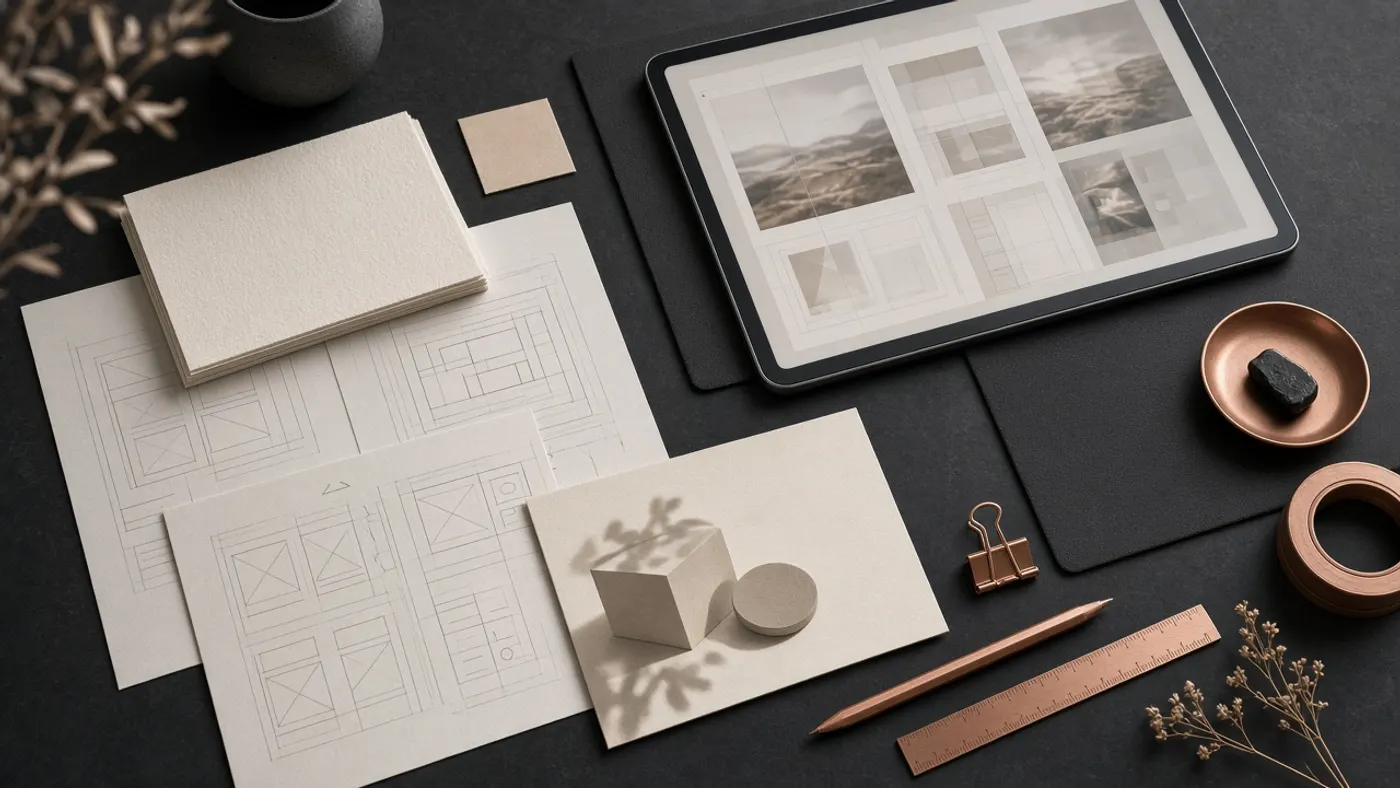
When Creativity Meets AI
There’s this old myth that AI kills creativity. For me, it’s done the exact opposite.
I’ve been designing for years - building visuals, storyboards, and brand worlds - and no matter how efficient I got, there were always bottlenecks: brainstorming, revisions, layouts, client presentations.
Then AI matured. Suddenly, tools like Midjourney, Figma AI, and Runway Gen-3 became part of my creative routine - not as shortcuts, but as collaborators.
Today, my design process is 3x faster, and honestly, more enjoyable.
Step 1: Brainstorming with ChatGPT
I start with raw thinking. Before I even touch visuals, I open ChatGPT and let it challenge my ideas.
Instead of asking “Give me design ideas for a luxury brand,” I ask:
“Help me think like a creative director defining a visual identity for a brand that blends wild energy and elegance.”
ChatGPT helps shape the tone, palette, and mood. It becomes my thinking partner - the kind that throws sparks into the fog of a blank page.
Time saved: 1 hour of mental clutter.
Step 2: Visual Moodboards with Midjourney & Leonardo
Once the direction feels right, I use Midjourney to visualize. Lighting, texture, mood - every element comes alive in cinematic form.
I don’t see AI images as “final art.” I see them as creative blueprints - snapshots of what an idea could become.
Then, Leonardo AI helps me refine - changing fabric, poses, environments - until the tone aligns with the brand.
Time saved: 3 hours of manual inspiration hunting.
Step 3: Layouts with Figma AI
Figma’s AI features changed everything. I can literally type:
“Design a minimalist landing page for a luxury AI clothing brand with warm tones and editorial typography.”
Figma AI generates a structure in seconds. I still craft every detail - hierarchy, contrast, visual rhythm - but now I spend more time designing, not dragging boxes.
Time saved: 4-5 hours per project.
Step 4: Mockups & Motion with Booth AI + Runway
When it’s time to showcase products or concepts, I use Booth AI to create hyper-realistic product shots - no studio, no lighting setup.
Then, Runway Gen-3 brings those visuals to life - cinematic movement, depth, storytelling.
It’s how static mockups become ads with emotion.
Time saved: days of production work.
Step 5: Presenting Ideas with Gamma & Notion AI
For client presentations, I use Gamma.app - it turns my notes, visuals, and scripts into sleek, dynamic decks.
Feedback is summarized in Notion AI, helping me instantly track what to change. Revisions go from “overwhelming” to “manageable.”
Time saved: 2 hours per client cycle.
The Real Workflow
If I map it out, my system looks like this:
Concept → Moodboard → Layout → Visual → Presentation
(ChatGPT → Midjourney → Figma AI → Booth AI → Gamma)
Each tool replaces friction, not creativity. AI clears the path so I can focus on what matters - composition, storytelling, and feeling.
Working With AI, Not On It
One talk that truly reframed my perspective was by Jeremy Utley, a professor at Stanford and author of Idea Flow.
In his video “Exploring Human Agency in the Age of AI,” he says:
“The only correct answer to the question, ‘How do you use AI?’ is - I don’t. I don’t use AI. I work with it.”
That line stuck with me. Because it’s exactly how I’ve come to see my tools.
AI isn’t a button you press - it’s a collaborator that thinks with you. When I prompt ChatGPT or Midjourney, I don’t expect perfection. I coach it. I ask it to question me back. And just like a junior designer, it improves through feedback.
Utley shares a story of a National Park ranger who built a simple AI tool to automate paperwork. That small shift - from “AI as tool” to “AI as teammate” - saved his organization over 7,000 days of work.
That’s what collaboration with AI looks like: ordinary people doing extraordinary things through creative partnership.
Watch the full talk here:
Exploring Human Agency in the Age of AI - Jeremy Utley (YouTube)
Final Thoughts
AI has made me faster, yes - but more importantly, it’s made me curious again. It’s reconnected me to why I design in the first place: to explore, to experiment, to build worlds that feel alive.
The workflow is simple. The shift is philosophical.
Stop using AI. Start working with it.
And that’s how creativity not only survives - it scales.
This is how we design at WorkWithAI - where human intuition meets artificial intelligence to create work that feels beautifully crafted, yet impossibly fast.
Ready to Transform Your Marketing, Branding & Advertising Strategy?
Marketing - marketing strategies that drive real connections and lasting impact.
Advertisement - bold ideas and unforgettable campaigns powered by intelligent automation.
Ad Tech - data-driven power for every campaign with advanced tracking and optimization.
Branding - your story, instantly distinct and emotionally true through enhanced creativity.
Tejash Kumar
AI Automation Expert